Choosing between cTrader and MetaTrader depends on your needs and budget. Both trading platforms have quite a few differences that one must know before selecting. In this blog, we’ll help you make your decision-making slightly easier by comparing them head-to-head.
History of MetaTrader and cTrader
MetaTrader is a product of MetaQuotes Software. Its first widely adopted version, MetaTrader 4 (MT4), was released in 2005. MetaTrader quickly became one of the most popular trading platforms in the retail forex industry, primarily due to its simplicity, automation features, and support for custom indicators and expert advisors.
In 2010, MetaQuotes launched MetaTrader 5 (MT5), an expansion of the original platform. It offers more timeframes, additional order types, and access to several financial instruments. MT5 can support trading beyond Forex, including assets such as commodities, stocks, futures, and options on centralized exchanges.
A year later, in 2011, Spotware Systems introduced cTrader to the market. From the outset, cTrader focused on building a modern interface that appealed to both new traders and professionals. cTrader has a desktop version as well as iOS and Android mobile apps.
Choosing between cTrader and MetaTrader depends on your target audience, trading model, and long-term business strategy. Brokeree’s multi-platform solutions support both environments, helping brokers unify infrastructure, manage risk, and deliver consistent trading experiences while scaling efficiently.
What is cTrader?

cTrader is a multi-asset forex and CFD trading platform. With a user-friendly interface and robust server technology, it offers advanced features, including rich charting tools, Level II pricing, fast entry and execution, multiple order types, in-depth market analysis, automatic technical pattern recognition, a real-time news feed, a volatility calendar, and more.
Pros
Cons
What is MetaTrader?

MetaTrader is a popular trading platform widely used by both traders and brokers. It enables online trading across various assets like currencies, CFDs, stocks, futures, and options and comes equipped with price charts, built-in indicators, and the ability to manage multiple accounts. One notable feature is its programming language, MQL4/MQL5, which is similar to C.
Pros
Cons
User Interface and Customization
The way a trading platform looks and feels plays a big role in how traders interact with it. Both MetaTrader and cTrader offer straightforward, easy-to-use interfaces that make it simple to place trades and analyze markets. But when it comes to customization, the experience starts to diverge.
cTrader
cTrader provides users with significantly more control over how their workspace is configured. Traders can adjust window layouts, manage multiple charts on one screen, and fine-tune indicators according to their preferences. This flexibility allows users to create a setup as per their trading style and habits.
MetaTrader
MetaTrader, particularly MT4, is more limited in this area. While MT5 introduced some improvements, many aspects of the interface remain relatively unchanged compared to what cTrader offers. For traders who want a highly personalized layout, cTrader provides more room to adjust and optimize the trading environment.
Charting and Technical Analysis
Both cTrader and MetaTrader have comprehensive charting and analysis tools that cover most traders’ needs. You’ll find multiple chart types, various timeframes, and a solid set of drawing features on both platforms.
cTrader
Where cTrader distinguishes itself is in the built-in charting experience. It comes with over 70 indicators pre-installed, smooth drawing tools, and detailed depth of market (DoM) features. Traders can access three DoM views—Standard, Price, and VWAP—providing clearer visibility into liquidity and price action.
MetaTrader
MetaTrader is a favorite among traders who like to customize their analysis. Its large community has created a vast library of third-party indicators, expert advisors, and add-ons. This ecosystem allows traders to extend the platform’s functionality far beyond what comes built-in.
MetaTrader vs. cTrader: Overview
| Feature | cTrader | MetaTrader (MT4/MT5) |
|---|---|---|
| User Interface | Modern, streamlined single-screen layout | Traditional multi-window interface |
| Timeframes | 26 timeframes | 9 timeframes (MT4), 21 timeframes (MT5) |
| Built-in Indicators | 70+ built-in indicators | 30+ built-in indicators (MT4), 38 (MT5) |
| Programming Language | C# | MQL4 (MT4), MQL5 (MT5) |
| Community and Ecosystem | Smaller community, growing marketplace | Large community with extensive resources and plugins |
Final Thoughts: Which Platform is Better?
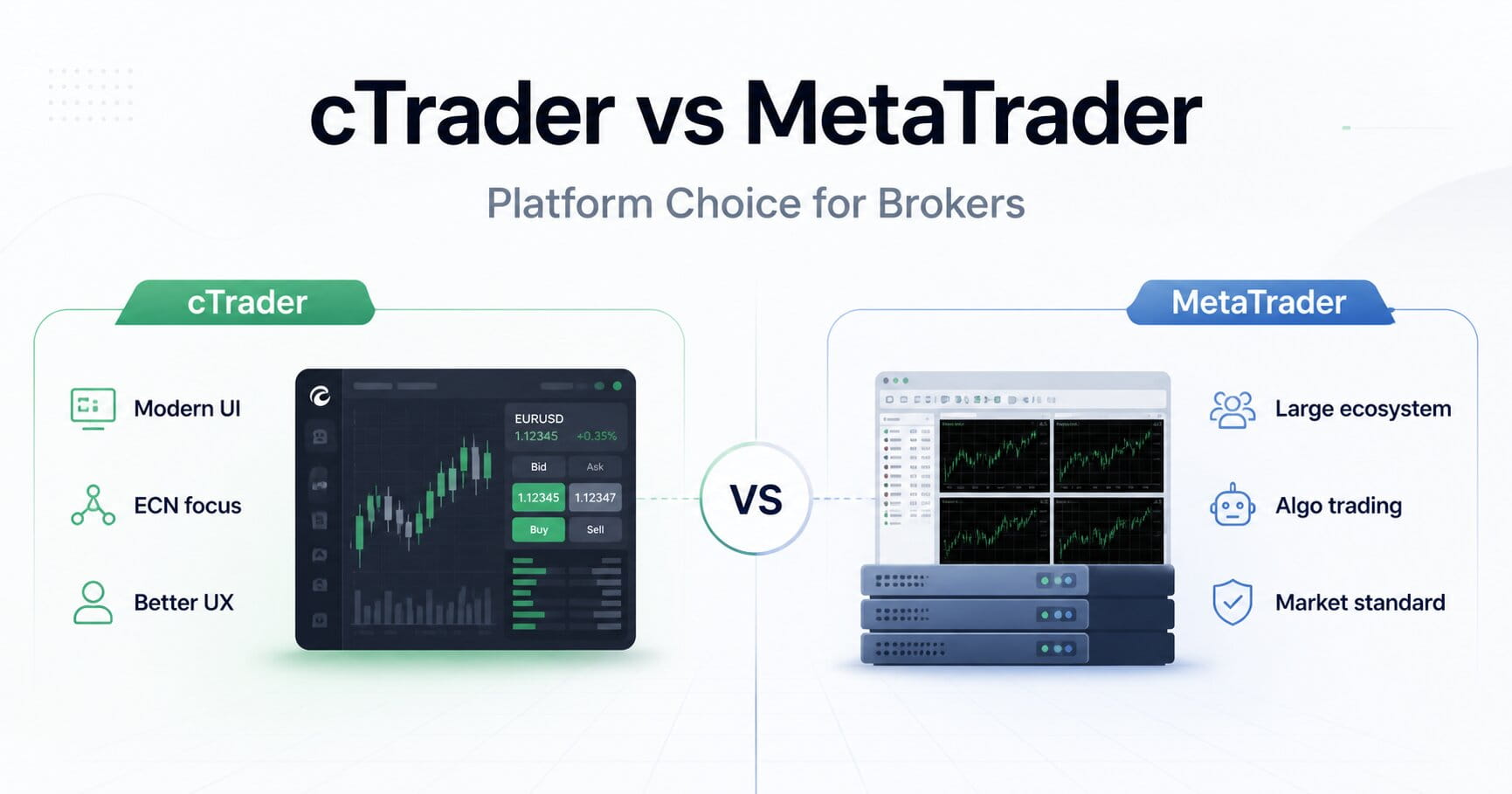
cTrader offers a more user-friendly, out-of-the-box experience with advanced charting and order types. MetaTrader has a larger community, more customization options, and is the industry standard for algorithmic trading.
By evaluating MetaTrader and cTrader against critical criteria such as usability, customization, technical tools, asset variety, mobile capabilities, and security features, brokerages can make informed choices that align with their business objectives.
Brokeree Works Across Platforms
Brokeree’s technology stack supports brokerages no matter which trading platform they offer.
Most of Brokeree’s solutions, including Social Trading, PAMM, and Liquidity Bridge are fully compatible with both MetaTrader and cTrader. It gives brokers the freedom to build their ideal offering while still leveraging Brokeree for backend operations, client management, and revenue optimization.
Book a demo to learn more: