


EN


NEW PAMM INTERFACE

PAMM Admin Portal for Brokers

Manage money managers, investments, transactions, requests, platform settings and reports through one redesigned interface. Brokeree PAMM gives brokerage teams a clearer way to operate and scale managed account services across MT4, MT5 and cTrader.
Available on
MT4 MT4
MT5 MT5
cTrader cTrader
PAMM Admin Portal for Brokers
Centralized PAMM Control
Manage core PAMM workflows from one admin environment.
Clear Operational Visibility
Review managers, investments, requests and transaction activity.
Faster Search and Filtering
Find relevant records using dedicated filters and structured data views.
Multi-Platform Management
Operate PAMM services across MT4, MT5 and cTrader environments.
BROKEREE SOLUTIONS

What Is a PAMM Admin Portal?

A PAMM admin portal is a broker-side interface used to manage money managers, investor participation, investment requests, transactions, product settings and connected trading servers. It gives brokerage teams a centralized view of PAMM operations and helps them supervise managed account services without relying on fragmented tools or manual records.

Brokeree’s redesigned PAMM interface brings these workflows together in a structured administration environment for brokers operating across MT4, MT5 and cTrader.

Why PAMM Operations Need a Centralized Interface

As a broker’s PAMM offering grows, teams must manage more money managers, investments, transactions, requests, and platform configurations. Without centralized PAMM administration, daily operations become fragmented, time-consuming, and harder to control.

Fragmented manager and investor data

Time-consuming transaction review

Manual request monitoring

Limited visibility across trading servers

Complex product configuration

Growing operational workload

A centralized PAMM admin portal gives brokerage teams a clearer view of daily operations while keeping managers, investments, requests and platform settings within one environment.

Request free demo
Explore the New PAMM Interface

One Portal for Every PAMM Workflow

Explore the redesigned Brokeree PAMM admin portal for managing money managers, investments, requests, transactions, product settings and connected trading servers through one structured broker-side interface.

01 / 07
Management

Money Manager Administration

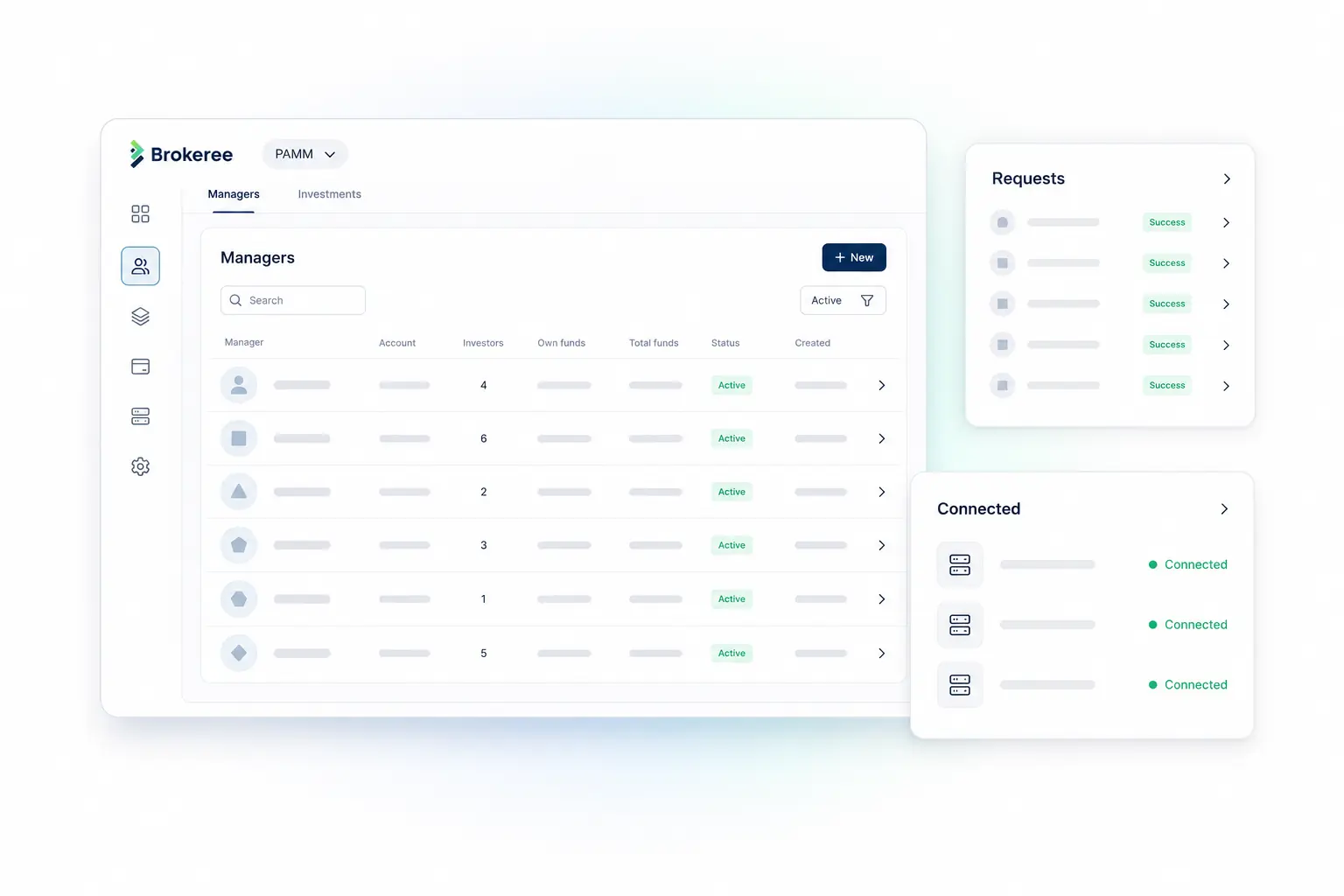
View and manage PAMM money managers through a structured broker-side interface. Review connected trading accounts, total funds, trading results, investor participation, configurations, currencies and account status from one screen.

Money Manager Administration
Monitoring

Investment Monitoring

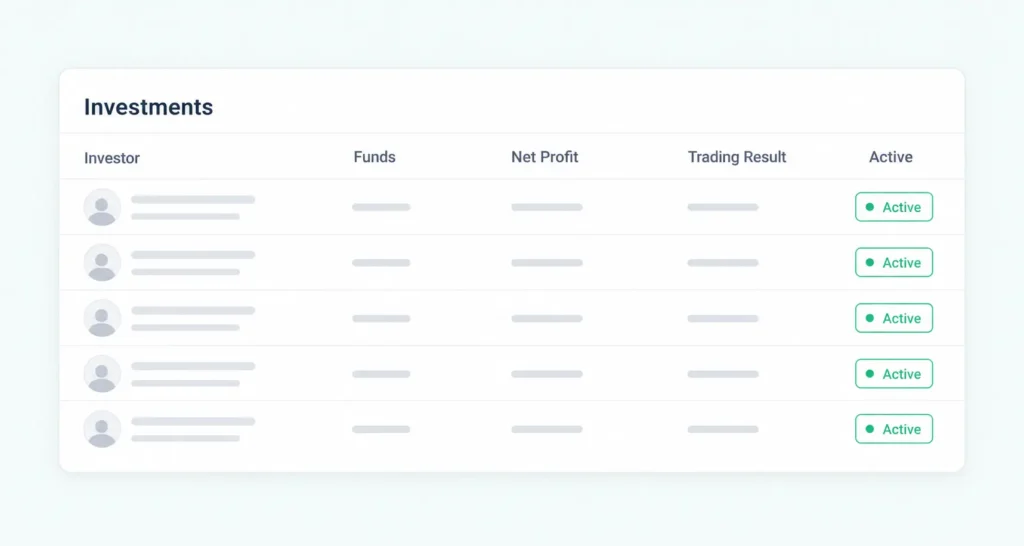
Maintain visibility into active PAMM investments, including investor accounts, money managers, allocated funds, net profit, trading results, trading intervals and connected offers.

Investment Monitoring
Operations

Transaction History and Export

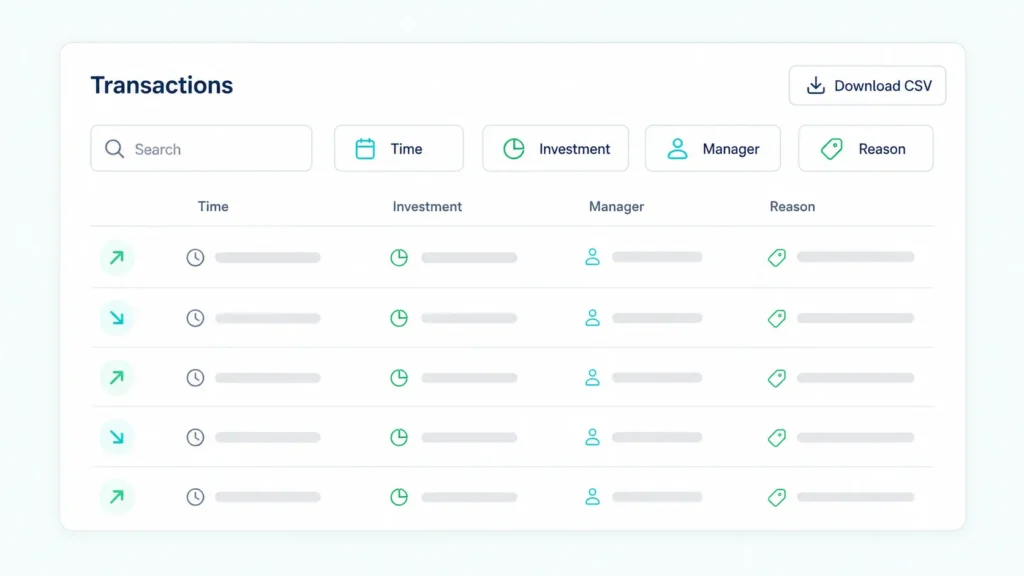
Review PAMM transaction activity using searchable records and dedicated filters. Track amounts, transaction reasons, related investments, request IDs, rollover IDs and position details, with the option to export records in CSV format.

Transaction History and Export
Operations

Investment Request Management

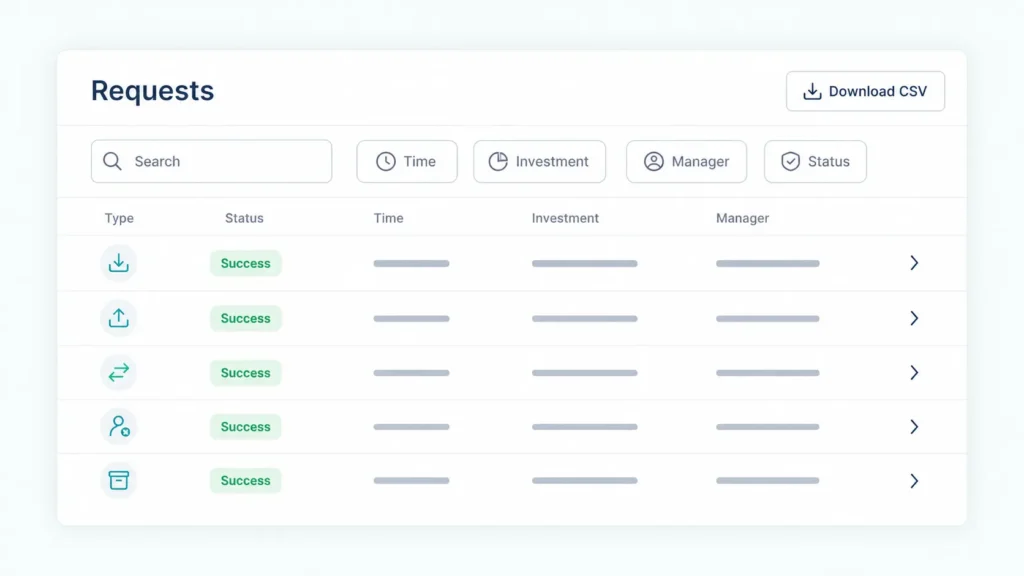
Process and review investor requests from one centralized queue. Monitor deposits, withdrawals and account closure requests together with their status, amount, creation time, comments and external reference data.

Investment Request Management
Configuration

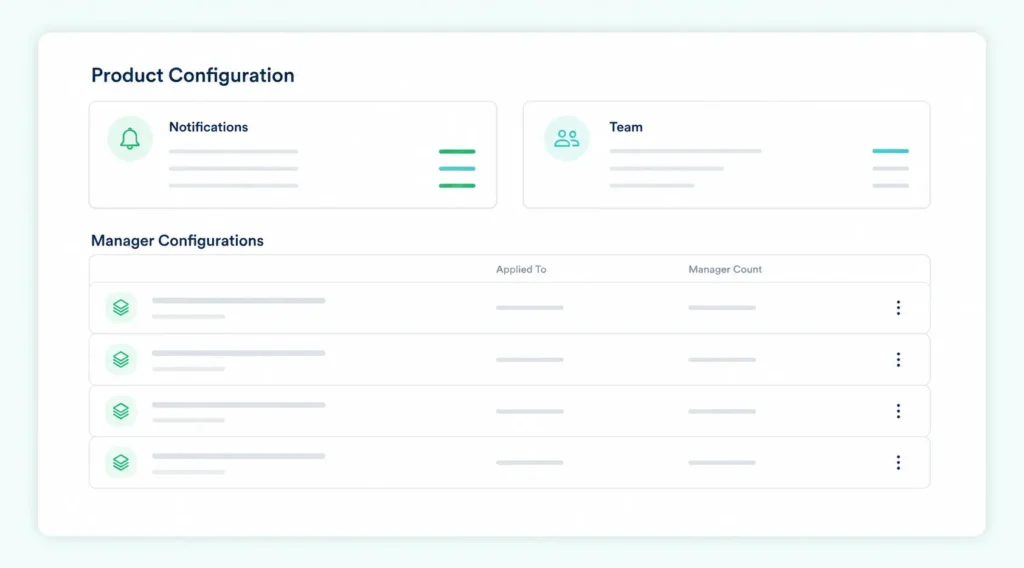
PAMM Product Configuration

Configure money manager conditions and product-level settings through a centralized administration area. Manage configurations, notifications, team access and the rules applied to PAMM managers.

PAMM Product Configuration
Infrastructure

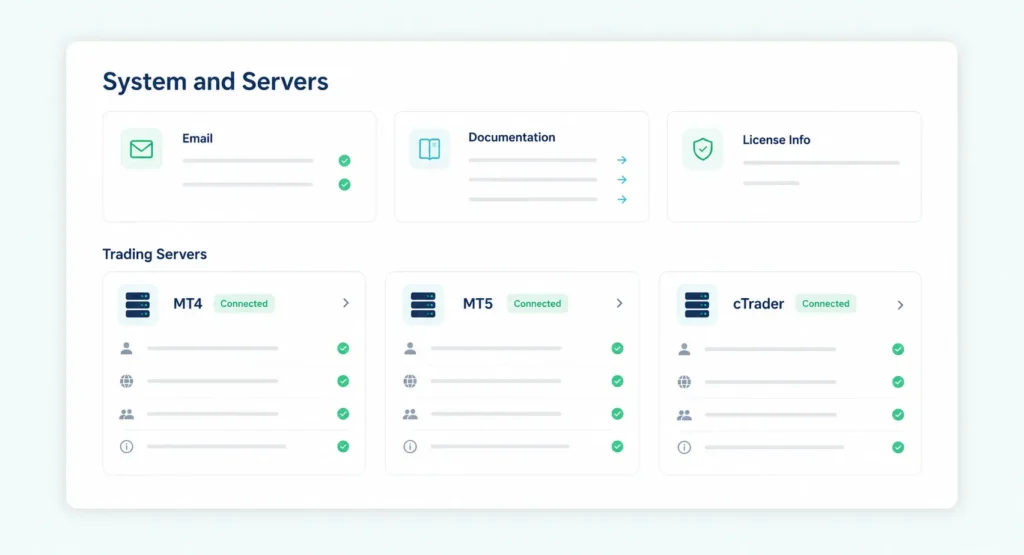
System and Server Management

Manage connected MT4 and MT5 trading servers and monitor their current connection status. Access system information, PAMM documentation, embedding resources and API references from the administration portal.

System and Server Management
Reporting

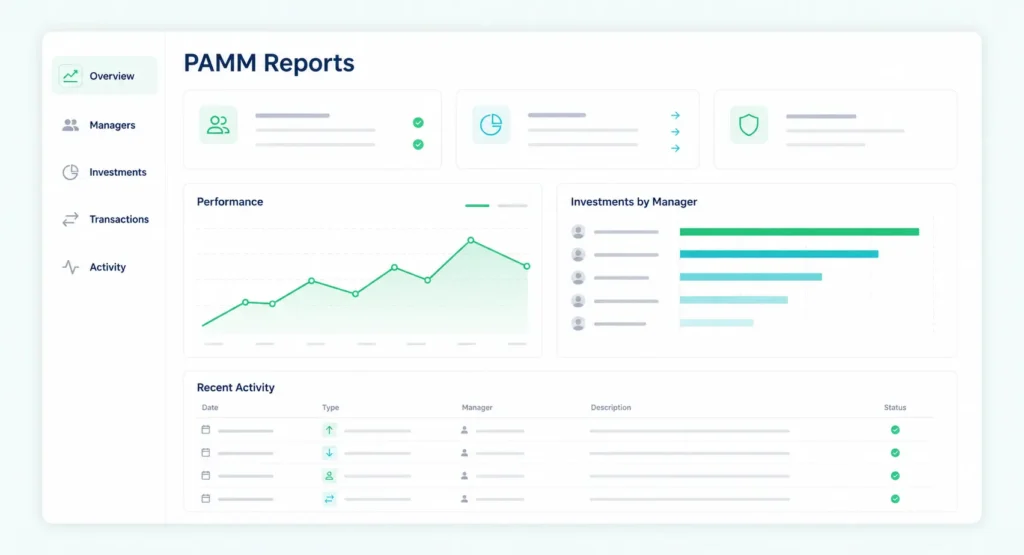
PAMM Reports and Operational Insights

Use structured PAMM reports to review platform activity, monitor operational results and maintain clearer visibility across money managers, investments and connected trading environments.

PAMM Reports and Operational Insights
PAMM OPERATIONS COMPARED

Fragmented PAMM Workflows vs Centralized Administration

Compare disconnected PAMM administration with a centralized broker-side portal for managing money managers, investments, transactions, requests, product settings, and connected trading servers.

Multiple Tools
DISCONNECTED OPERATIONS

Fragmented workflows

When PAMM data and administrative tasks are distributed across separate records and systems, brokerage teams spend more time locating information, reviewing activity, and coordinating routine operations.

Manager and investor data spread across separate records
Requests monitored through manual workflows
Transaction history takes longer to review
Product and server settings managed separately
Limited visibility across daily PAMM operations
One Portal
CENTRALIZED BROKER CONTROL

PAMM Admin Portal

A centralized broker-side interface brings core PAMM workflows together, giving brokerage teams structured access to operational data, configuration settings, connected servers, and team controls.

Managers and investments available in one interface
Centralized investment request management
Searchable transaction history with CSV export
Structured product and server configuration
Configurable access for brokerage team members
BROKEREE PAMM

Bring Every PAMM Workflow into One Broker-Controlled Environment

Brokeree provides brokerage teams with a structured administration portal for managing daily PAMM operations without switching between disconnected tools. Review operational data, configure products and servers, control team access, and scale managed account services across supported trading platforms.

BROKERAGE TEAM WORKFLOWS

How the PAMM Admin Portal Supports Brokerage Teams

Brokeree gives administrators, operations, dealing, risk, and support teams a shared interface for managing PAMM services, while configurable permissions keep access aligned with each team member’s responsibilities.

OPERATIONAL CONTROL

Give Every Team the Visibility and Tools It Needs

The redesigned PAMM admin portal supports workflows across administration, operations, dealing, risk, client support, and management without requiring every user to have the same level of access.

01
BROKER CONFIGURATION

PAMM Administrators

Configure PAMM products, connected trading servers, notifications, currencies, and brokerage team permissions.

02
CENTRALIZED WORKSPACE

Brokeree PAMM Admin Portal

Bring money managers, investments, transactions, requests, product settings, connected servers, and reports into one structured interface.

03
DAILY PAMM OPERATIONS

Brokerage Teams

Review activity, process investment requests, investigate records, and support managed account clients through centralized workflows.

ROLE-BASED PAMM MANAGEMENT

One Portal for Every Brokerage Responsibility

Centralized data and configurable permissions allow teams to work within the same PAMM environment while focusing on their specific operational responsibilities.

PAMM Administration

Configure PAMM products, trading servers, notifications, currencies, and team permissions.

Operations Management

Review money managers, investments, transactions, and pending requests from one interface.

Dealing and Risk Oversight

Monitor funds, trading results, account activity, and operational statuses across PAMM services.

Client Support

Locate manager, investment, request, and transaction records when responding to client enquiries.

Product Management

Manage PAMM configurations and apply product settings to the appropriate money manager groups.

Reporting and Control

Access operational reports, export CSV records, and maintain visibility across connected environments.

MULTI-PLATFORM PAMM MANAGEMENT

Manage PAMM Operations Across MT4, MT5 and cTrader

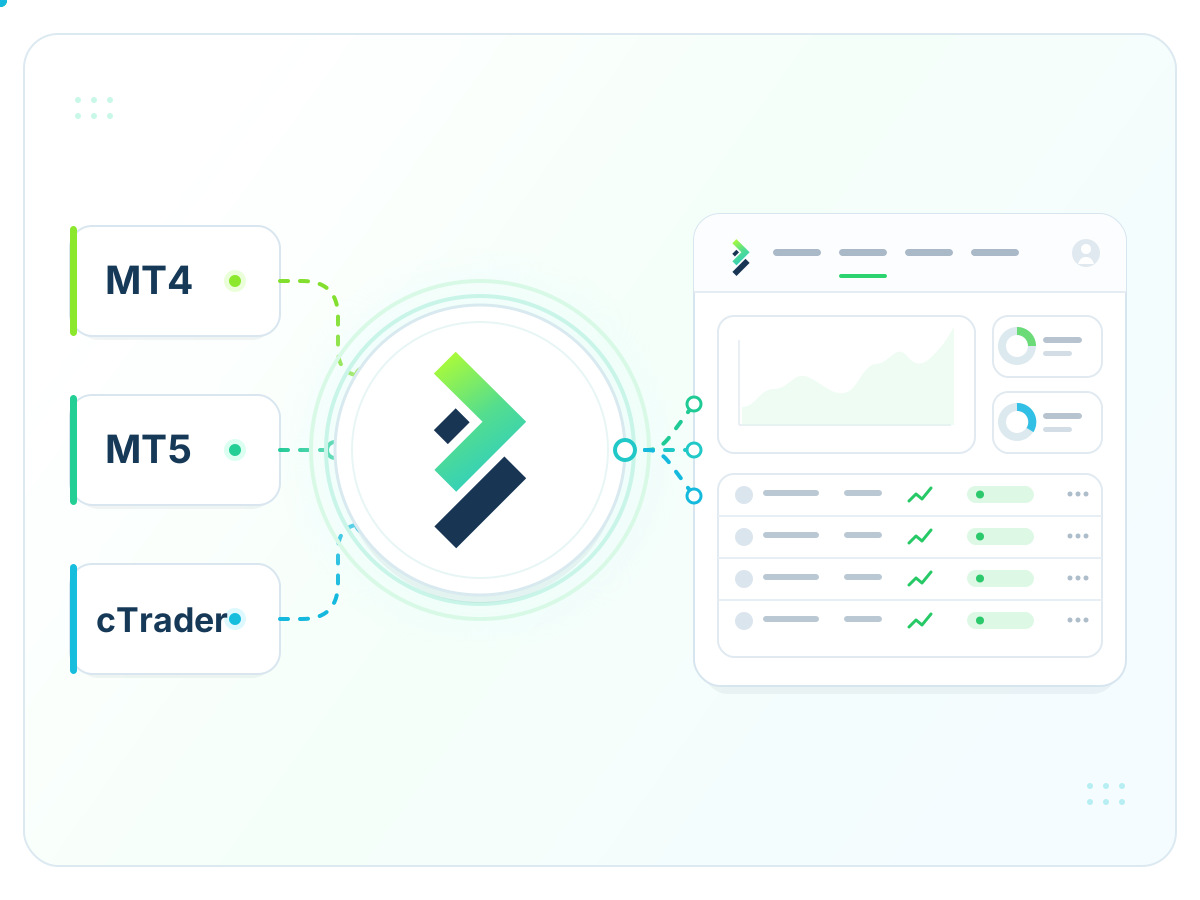
Brokeree provides PAMM technology for brokerages operating across MetaTrader 4, MetaTrader 5 and cTrader environments. The redesigned admin portal gives brokerage teams structured workflows for managing money managers, investments, transactions, requests and product settings.

Deploy PAMM services around your existing trading infrastructure while maintaining broker-side control over configuration, team access and daily operations.

Manage PAMM Operations Across MT4, MT5 and cTrader

PAMM for MetaTrader 4

Run and administer PAMM services within established MetaTrader 4 brokerage environments.

PAMM for MetaTrader 5

Manage PAMM products, accounts and daily operations across supported MetaTrader 5 servers.

PAMM for cTrader

Extend managed account services to cTrader through structured, broker-controlled PAMM workflows.

Multi-Server Administration

Connect supported trading servers and review their operational status through one structured system.

Centralized Operational Visibility

Review managers, investments, transactions and requests through consistent administrative workflows.

Broker-Controlled Configuration

Configure PAMM products, team permissions, notifications and operational settings around your business model.

STRUCTURED IMPLEMENTATION

How to Launch the PAMM Admin Portal

Brokeree supports brokerage teams throughout the setup process, from reviewing the existing PAMM environment to configuring access and launching the new interface.

Step 01

Review Your PAMM Environment

Assess the existing PAMM setup, connected trading platforms, operational workflows, and team requirements.

Step 02

Configure Products and Permissions

Define PAMM configurations, staff access levels, notifications, currencies, and administrative settings.

Step 03

Connect Trading Servers

Configure supported MT4, MT5 or cTrader environments and verify the required connections.

Step 04

Prepare Your Brokerage Team

Introduce administrators and operations teams to the new workflows and interface.

Step 05

Launch and Scale Operations

Start managing PAMM services through the centralized portal and add new managers, products, and servers as the business grows.

FAQs

A PAMM admin portal is a broker-side interface for configuring and overseeing managed account services. It gives brokerage teams structured access to money managers, investments, transactions, requests, product settings, connected trading servers, and operational reports.
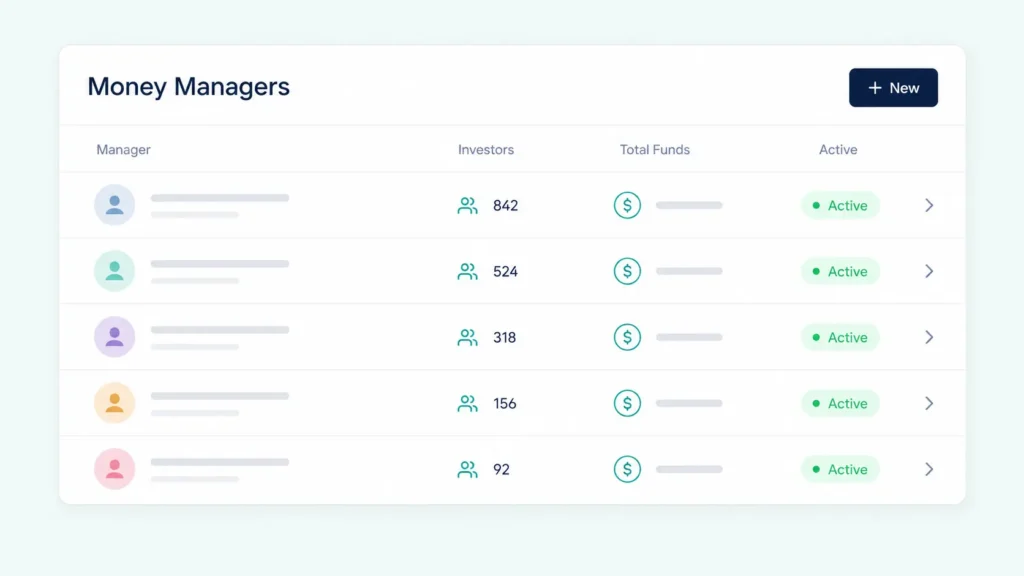
Brokers can review money managers and investments, monitor transactions, process investment requests, configure PAMM products, manage connected servers, set notifications, control team access, and access reporting tools through one structured interface.

The portal is designed for PAMM administrators, operations teams, dealing and risk specialists, client support teams, product managers, and other authorized brokerage employees involved in managed account operations.

A PAMM platform provides the underlying managed account technology connecting money managers, investors, and trading accounts. The PAMM admin portal is the broker-facing interface used to configure the service, manage operational workflows, and review platform activity.

Brokeree provides PAMM technology for brokerages operating with MetaTrader 4, MetaTrader 5, and cTrader. The exact configuration depends on the broker’s trading infrastructure and selected PAMM deployment.

Supported trading servers can be connected to the PAMM system and reviewed through the administration interface. This helps brokerage teams maintain visibility over server connections and expand their PAMM infrastructure as the business grows.

Ready to launch PAMM services?

Explore how Brokeree PAMM helps brokers build investment management offerings.