Two copy trading platforms can look identical on a demo call and behave nothing alike. The gap shows up in the feature set, the parts a broker only notices when an MT4 provider can’t reach MT5 clients or when staff permissions turn out to be all-or-nothing. Those are the details that decide whether a copy trading service scales or stalls.
This article breaks down 10 must-have copy trading platform features for forex brokers. The demand is there to justify the work, with the copy trading platform market projected to grow from $4.27 billion in 2024 to $15.42 billion by 2033. Here is what to look for.
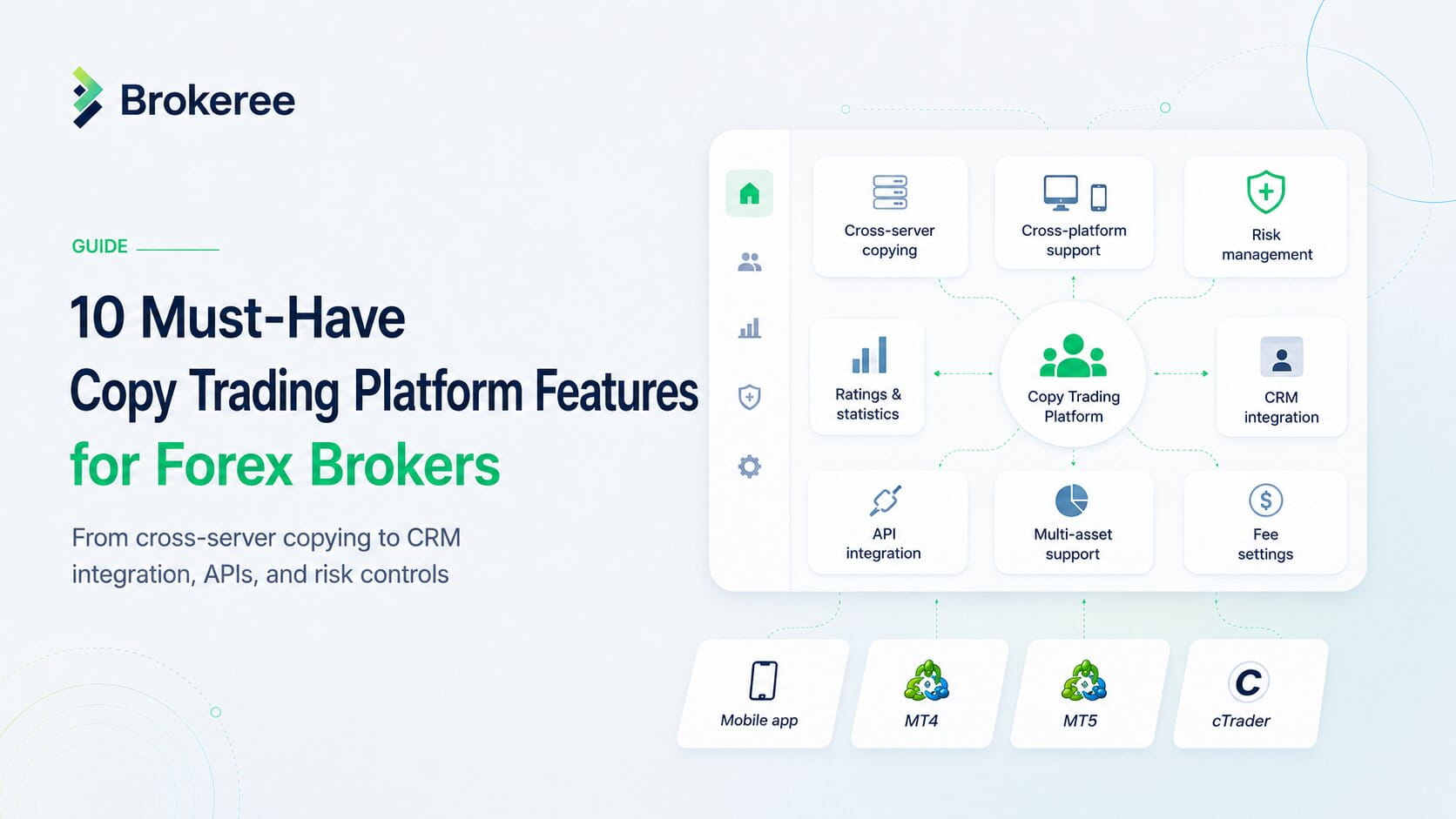
10 Must-Have Copy Trading Platform Features for Forex Brokers
1. Cross-server and cross-platform copying
Without cross-server and cross-platform capabilities, a copy trading solution can become a major roadblock for brokers operating multiple servers or trading platforms.A broker running an MT4 server with 10,000 traders who then launches MT5 finds that, with a single-server tool, the full list of MT4 signal providers stays unavailable to MT5 users, forcing an entirely new client base on the new platform.
Cross-server copying removes that split. It unites clients across all servers into a single investment pool, where they can share and copy signals without technical limitations, enabling a provider on an MT5 account to attract followers from MT4 and other MT5 servers.
Cross-platform copying extends this further, allowing traders using different platforms such as MT4, MT5, cTrader, and others to interact within the same copy trading environment. On solutions that support it, administrators and clients can also switch between platforms without logging out, letting them respond to market changes across all connected accounts. Of all the copy trading platform features that a multi-server broker evaluates, this one determines whether the entire client base remains unified.
DID YOU MISS THIS: Introducing cross-server Social Trading
2. User control for followers
A platform that only lets followers copy at full size pushes everyone into the same risk structure. Followers with smaller balances need room to adjust.
The fix is multiple copying modes. Followers choose how they mirror a provider, copying by equity, by free margin, or by a multiplier, and pick the mode that matches their account size and risk appetite. This lets a broker serve different client profiles without forcing them into a single model. Separate web portals for administrators, providers, and followers keep each group working within an interface tailored to their needs.
3. Support for multiple assets
Retail traders want more than just currency pairs in a single account. Analysts point to rising demand for multi-asset platforms that reach multiple markets from a single login, and a copy trading platform that handles only forex leaves part of that demand on the table.
A multi-asset copy trading system follows positions across any trading symbol supported by the brokerage, including forex pairs, commodities, indices, stocks, and cryptocurrencies traded as CFDs. MetaTrader 4, usually tied to forex, handles these markets through CFDs, and MT5 widens the range further. For a broker, this means one copy trading system covers the full instrument list, and a follower can copy a provider, whether that provider trades EUR/USD or crypto CFDs.
ALSO READ: What is copy trading: the basics
4. Risk management
Among the copy trading platform features, risk management is the one that works on two sides at once, covering the trader’s exposure and the broker’s operations.
For traders, proportional copying equalizes the risk between a provider and a follower who starts with a smaller amount, scaling positions down to avoid overexposure. Advanced Stop-Loss and Take-Profit settings set limits on each order, and subscription-level Stop-Loss and Take-Profit rules apply conditions to all trades from a single provider.
For brokers, a restricted administrator feature builds a hierarchy of management decisions and distributes permissions across staff. One superuser has the most extensive rights to manage staff access and run the platform, reducing the risk of accidental interference and human error. Brokers can also divide traders into groups and servers by region, connected liquidity provider, or role, then configure rules for each group without re-logging in.
5. Performance ratings and statistics tool
Followers need a way to compare providers on real data before they subscribe, and brokers need that activity to stay visible. A ratings and statistics tool draws real-time trading information from signal providers, which brokers can use to build custom widgets, interactive charts, and graphs on their website.
6. Integrated CRM
A copy trading platform that runs separately from the CRM splits client data across two systems. The broker’s team has to rekey account details among themselves, reconcile trading activity against client records by hand, and work without a single view of who is copying whom. A forex CRM already handles the broker-specific layer that a general CRM does not, covering trader accounts, deposits and withdrawals, IB and partner structures, and KYC. Tying copy trading into that system keeps onboarding, client records, and live trading activity on one dashboard, so the data that drives subscriptions and payouts stays in the same place where the team already manages accounts.
Copy trading integrated with a CRM lets brokers manage their CRM infrastructure alongside investment technology within a single ecosystem. Solutions like Social Trading by Brokeree integrate with popular CRM systems, including Axis FX CRM, Techysquad, XCritical, and Syntellicore, so brokers can run their operations without reconsidering their existing tech setup. .
7. Performance and hosting
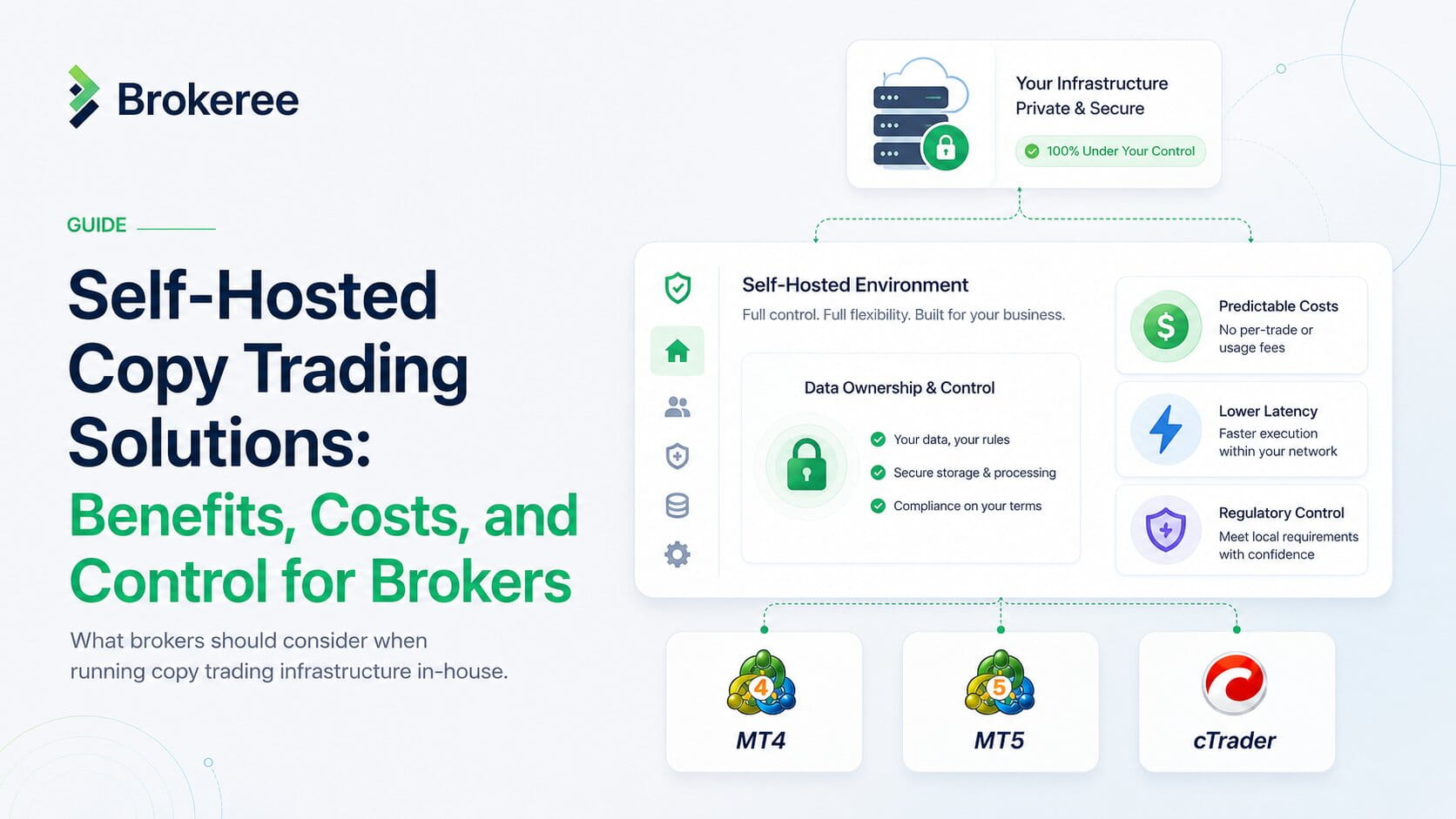
When the solution is fully hosted on the broker’s own servers, the tech provider collects no data, and the broker maintains granular control over the system and client information. A server-side API supports low latency and a stable connection to the trading platform. Brokeree’s Social Trading adds a frequency-monitoring feature that automatically detects and resolves discrepancies in copied trades, keeping follower accounts aligned with their providers. On setup, the solution is ready to use with default settings after installation, which typically takes about three hours.
8. APIs for flexible integration
Some brokers run infrastructure beyond MetaTrader and cTrader, and a copy trading engine that only plugs into those two leaves them building custom workarounds.
An Integration API lets institutions connect copy trading technology to platforms beyond traditional platforms. Instead of building a custom integration for each deployment, institutions connect their systems to the copy trading platform more quickly. The most widely used integration APIs typically include core features such as customizable copying modes, proportional risk management, and flexible fee structures, so the broker retains control over how strategies are copied and how fees apply.
9. Fee setting and payouts
Signal providers share strategies when there is a clear way to earn from them. A rigid fee model narrows that incentive, limiting which providers a broker can attract.
Flexible fee setting lets providers decide how they charge followers, including a registration fee, a management fee, a performance fee, and a platform fee. Brokers decide which modes to offer or restrict, keeping control of the revenue structure across the client base. This supports multiple provider types, since a money manager and an algorithmic trader selling an automated system may want to charge in different ways.
10. Mobile app
A copy trading mobile app can help keep traders connected to the service wherever they are. It combines the desktop version’s features with a mobile-friendly interface, giving clients direct access to expert strategies on the go. Like the web version, it keeps dedicated portals for administrators, signal providers, and followers, so each user stays focused on their own goals.
All Features in One Copy Trading Solution
The 10 copy trading platform features above rarely come bundled in one place, which is what makes consolidating them worthwhile. Brokeree’s Social Trading brings them together in a single solution. First released in 2013 and developed for more than a decade since, Brokeree’s social trading is used by 40% of brokers.
Social Trading runs across MT4, MT5, and cTrader servers, gives followers control over how they copy, supports multiple assets, and provides built-in risk tools for both traders and brokers. It also offers an integration API that allows financial institutions to embed its copy trading technology into their infrastructure.
The set is rounded out by several more features. The Ratings Module draws real-time data from signal providers so brokers can add widgets to their website. CRM integrations tie copy trading activity into the broker’s existing client management stack. Broker-side hosting keeps the system and all client data on the broker’s own servers. Flexible provider fees let signal providers set registration, management, performance, and platform fees. A mobile app gives administrators, providers, and followers dedicated portals on the go.
Brokers looking to see how it fits their setup can request a free demo.
DID YOU MISS THIS: What is social trading and how brokers use it to attract, engage, and retain traders
FAQs
What is the difference between copy trading and social trading?
Copy trading means directly replicating another trader’s positions so an account automatically mirrors theirs. Social trading is broader. It includes copy trading, as well as the sharing of insights, market analysis, and strategies within a community of traders. Most modern systems combine both.
Can followers control their own risk while copying a provider?
Yes, with Brokeree’s Social Trading, followers can choose copying modes based on equity, free margin, or a multiplier, and can turn on proportional copying to scale positions down to their account size. Stop-Loss and Take-Profit settings add further control over each order.
How long does it take to launch?
After installation, Brokeree’s Social Trading running on default settings can be ready to use in about three hours, with Brokeree’s support covering the setup from the first consultation through launch. Timelines vary by provider, so this applies specifically to Brokeree’s solution rather than copy trading platforms in general.